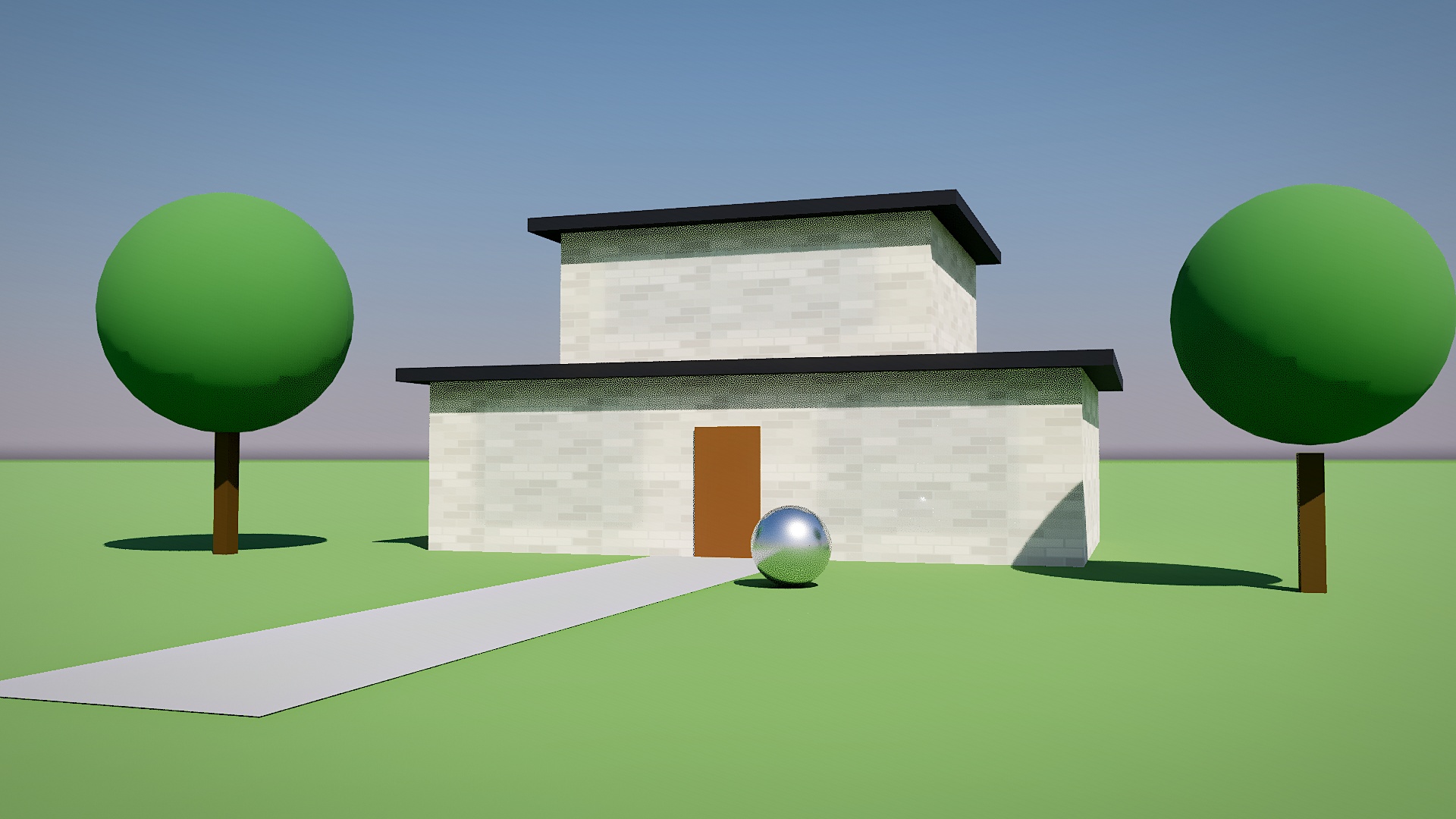
Photorealistic
Real sun and sky light, soft shadows, reflections and bounced light, cleaned by a smart denoiser so a clean image needs only a few seconds.
Fast path-traced photorealism, plus illustrated, collage and watercolor looks. It runs on your own GPU: no AI, no credits, no subscription, no account.
Version 0.3.0 (beta) · 0.3 MB · SketchUp 2021 or newer
Frame your SketchUp view, choose a look and adjust the sliders with a live preview. All four images below come from the same simple test scene.
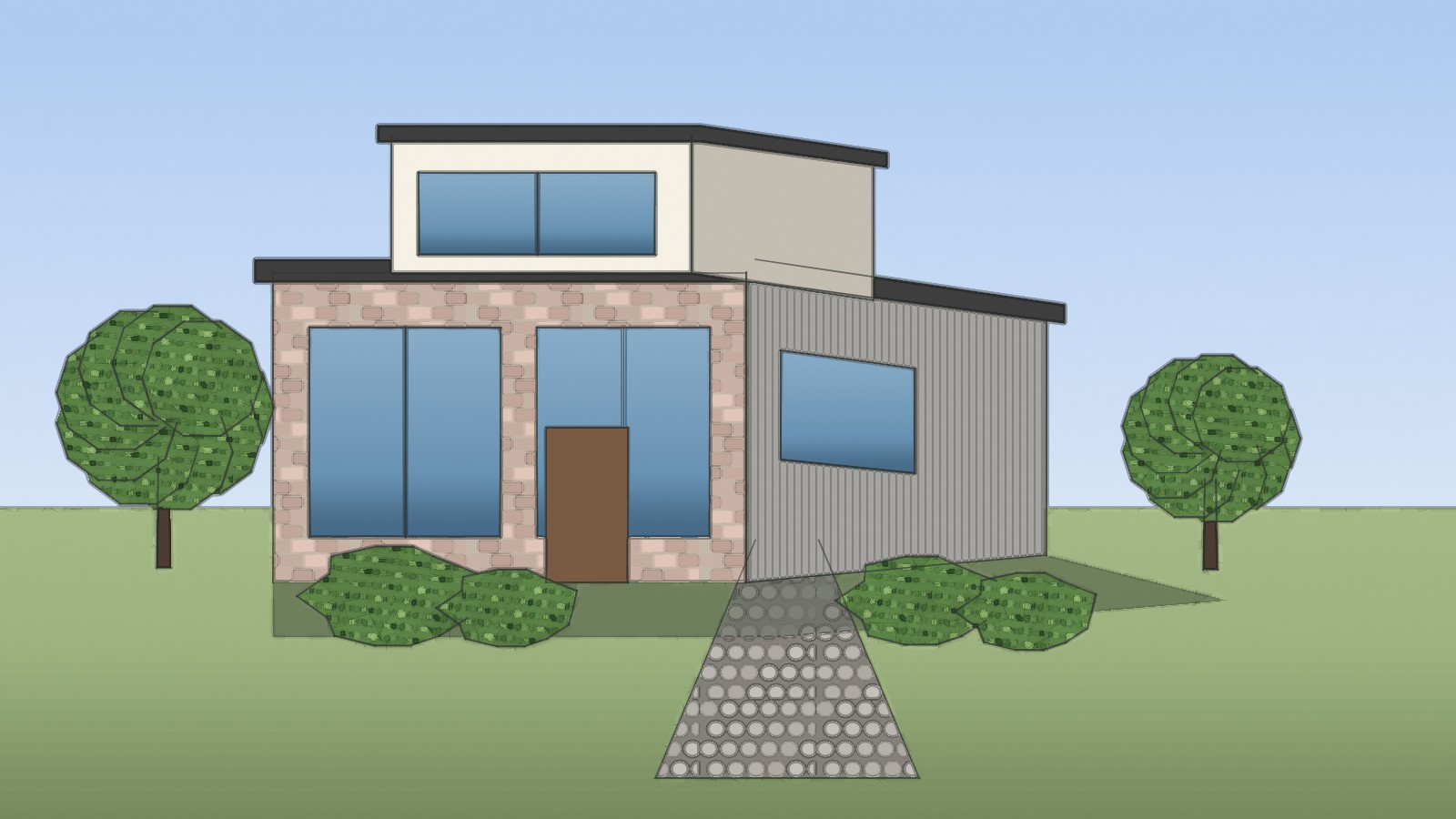
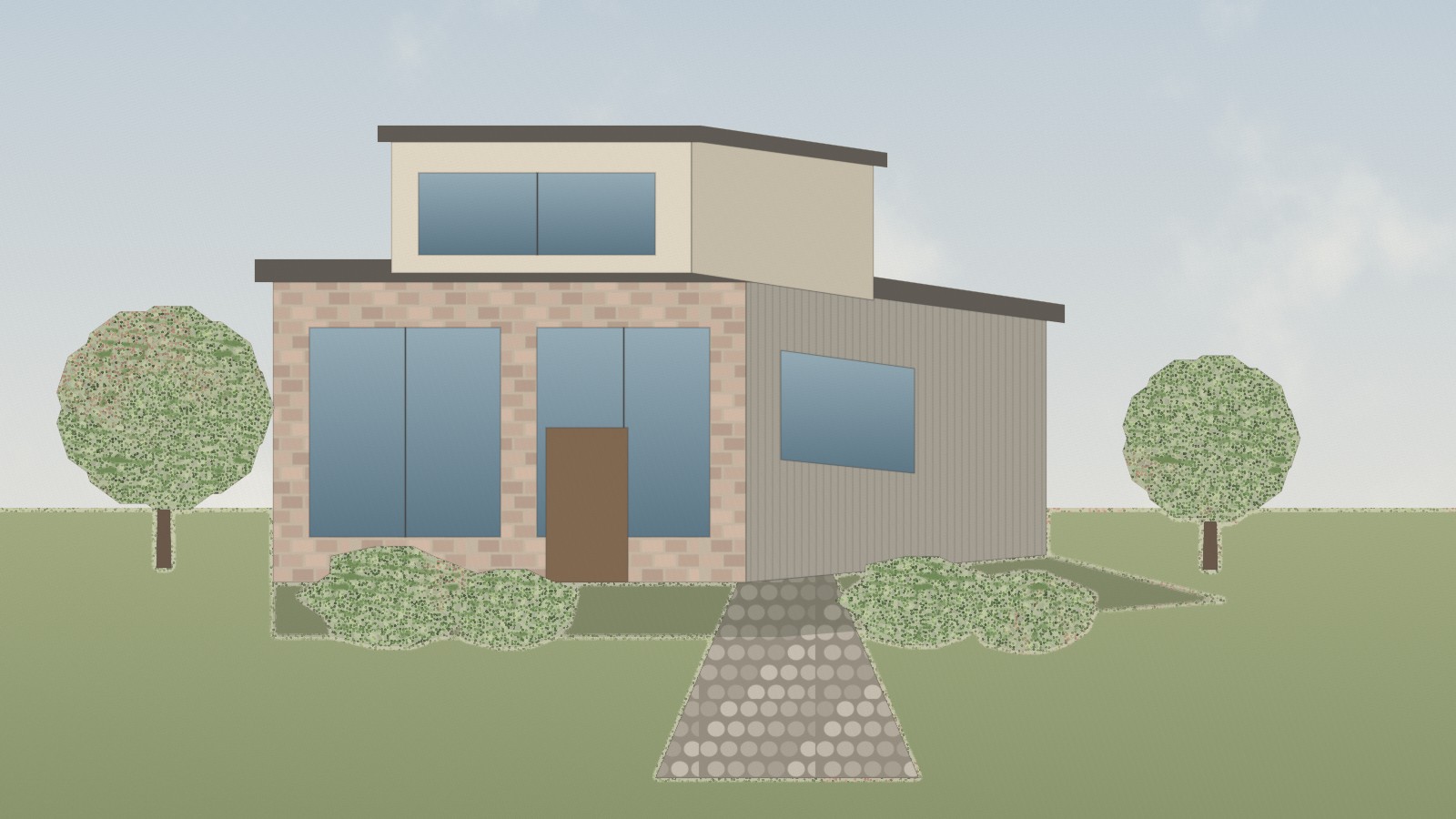
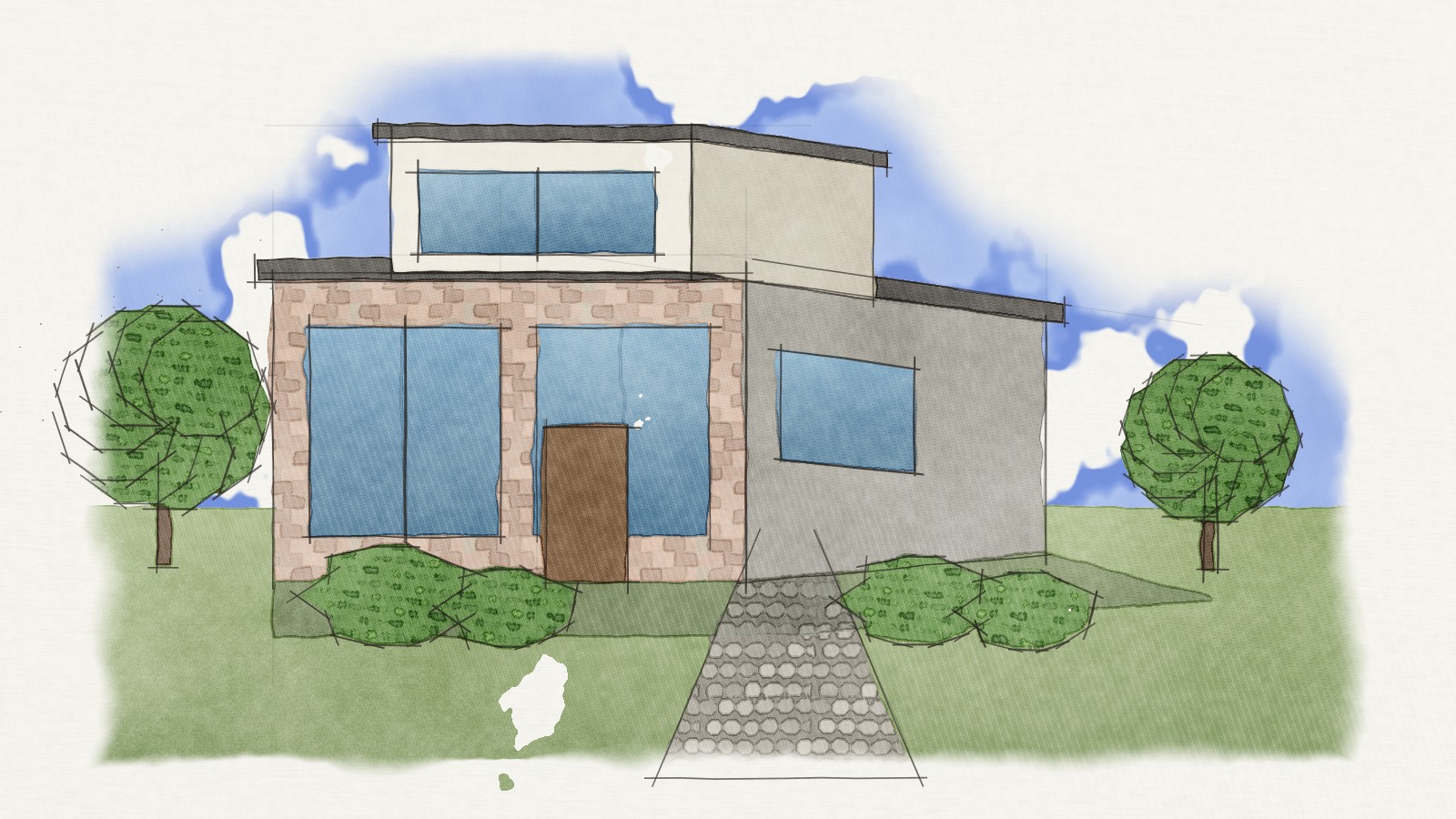
Photorealistic reads your model, materials, camera and SketchUp sun, then path-traces it on your GPU. An edge-aware denoiser means far fewer samples are needed, so renders finish in seconds instead of minutes.
Illustrated and Watercolor redraw your model's actual edges as hand-made pen strokes, with overshoots, wobble and construction lines, rather than filtering a screenshot.
Every look is a plain algorithm running on your computer. There is nothing to sign up for and nothing that runs out.
Save PNG or JPG up to 5120 px wide. For Photorealistic you choose Draft, Standard, High or Ultra and see the estimated time for your machine first.
Download the .rbz and add it in SketchUp's Extension Manager.
Orbit to the angle you want. Quick Render renders exactly what your viewport shows.
Choose one of the four looks, adjust, then Render & Save.
Yes. Download it, use it, and use the renders however you like.
No. Photorealistic is a physically based path tracer with a classic denoiser, and the other looks are algorithms. Nothing is uploaded and no credits are spent.
You get the style, applied to your own model. The looks are generated from your SketchUp geometry and materials, so people, cars and rich planting appear only if they are in your model (for example as cut-out components).
A clean preview appears within seconds, and a finished 1920 px image typically takes seconds to a minute depending on your GPU and the quality you choose. The dialog shows an estimate for your machine before you start.
SketchUp materials have no roughness or metal settings, so the extension infers glass, metal, wood and gloss from material names and transparency. Naming a material "Chrome" or "Glass" is enough, and a Reflectivity slider adjusts it further. Glass uses a fast thin-glass model rather than full refraction.
Up to about 1.5 million triangles. For very heavy scenes, hide fine detail or use lower-detail components.
This is an early beta, designed for SketchUp 2021 or newer. Feedback on models that do not render as expected is very welcome.